How I made route planning easy
 Product
 Internal
 Logistics
 2023
Background
Unoptimised features led to inefficient processes
Pickupp delivery agents use the internal app to track and update delivery statuses regularly. Most features were not optimised and this led to inefficiencies which was felt when each agent has to deliver over 50-100 parcels every day.
Delivery agents became frustrated, deliveries were delayed, and the tools in place just couldn’t keep up with the demands of a scaling operation.
As a result, Customer Support received a significant increase in complaint tickets related to delivery windows not being fulfilled.
It was clear something needed to change.
Unpredictable delivery windows
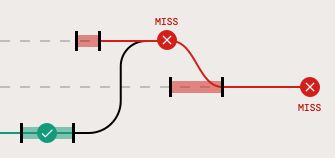
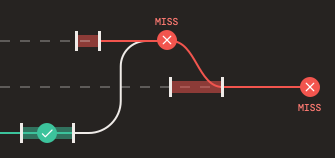
Agents found it difficult to estimate accurate delivery times due to having up to 100 deliveries per day, often times relying on broad optimistic estimations.
Unintuitive experience
The current system overwhelms agents with cluttered maps, hidden functionality, and excessive details, making it tough to plan routes efficiently.

Lack of route visibility
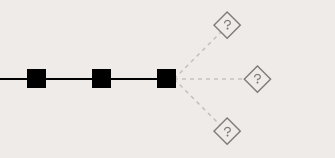
There was no reliable record of the route, so an agent’s next stop and the running order were never clear.
Outcome
Improving adoption of in-app route planning
- Solution
Created a clearer entry point
The route planning feature, previously buried by its unclear copywriting, is now more visible and in a prominent position.
ImpactIncreased discovery
More delivery agents started using the route planning feature which reduced planning time, allowing them to focus on completing their deliveries.
- Solution
Seamlessly manage multiple routes
Agents can now handle multiple warehouses and switch routes effortlessly. This flexibility ensures smoother operations, even on the busiest days.
ImpactIncrease in adoption rate
This key feature is the main reason users rely on third-party applications for their operations. Now that it’s available in-app, more agents started to use the route planning feature to plan ahead.
- Solution
Reduced cognitive load
Focusing on what matters—routes and delivery timelines instead of deciphering complex maps or interfaces.
ImpactReduced planning time
Agents spent less time planning with a system in place with a clearer interface.
The process
Breaking down the journey
Step 1: Analysing the current experience
The app’s route planning feature was underutilized, so I went through the current experience, and learned why it didn’t gain much adoption since its release
Step 2: Understanding the users
At the time of this project, Pickupp had over 50,000 delivery agents but less than 100 opened the route planning feature. It was crucial I talked to the agents and try to figure out why this was an issue.
Step 3: Competitor analysis
Route planning as a feature isn’t new. However, I had to dig deeper to find out what was the industry standard and pre-existing mental models from our users when it came to logistic route planning.
Step 4: Design & Prototype
After gathering sufficient information, I iterated on the route planning feature and mocked up a prototype to test with real users.
Step 5: Ship & Deliver
Once the final design has been confirmed, I prep the design with relevant flows to be dev-ready and shipped.
Hypothesis
Assumptions before diving in the work
Assumption 1: Lack of habit
Delivery agents simply do not plan their routes everyday and we may need to address building the habit beyond the scope of the feature.
Assumption 2: Unclear copywriting
The existing route planning feature is “hidden” due to unclear labelling.
Assumption 3: Bulk deliveries with high order volume
Agents typically accept orders in bulk, roughly 15-20 orders per regional zone and needed tools that could keep up with that.
Assumption #1 was the most important assumption I wanted to validate. Because if this turned out to be true, even with the best route planning experience available — delivery agents wouldn’t even use it in the first place if it’s not part of their natural workflow.
How might we encourage delivery agents to routinely plan their routes?
Initial research
The Fogg Behaviour Model
Knowing that the task may require understanding beyond product work, I looked into existing studies on habit formation and human behaviors.
This is when I learned about Fogg Behaviour Model (FBM).
To put it simply, the model states that the key to driving behaviour is a mix of the following:
Motivation
How much someone wants the outcome. Typically driven by pleasure or pain, hope or fear, and the pull of belonging. It spikes and crashes, so it’s the least reliable lever to design around.
Ability
How easy the action is, in that particular moment. Time, money, physical effort, mental effort, and how much it disrupts their routine.
Triggers
The cue to act in the moment. Without a trigger, motivation and ability go nowhere. When both motivation and ability are high, a trigger to cue the action will likely cause someone to carry out that action.
Current experience
Analysing the current experience using Fogg Behaviour Model
With the model in mind, I used it as framework to grade the current experience. Here’s what I learned:
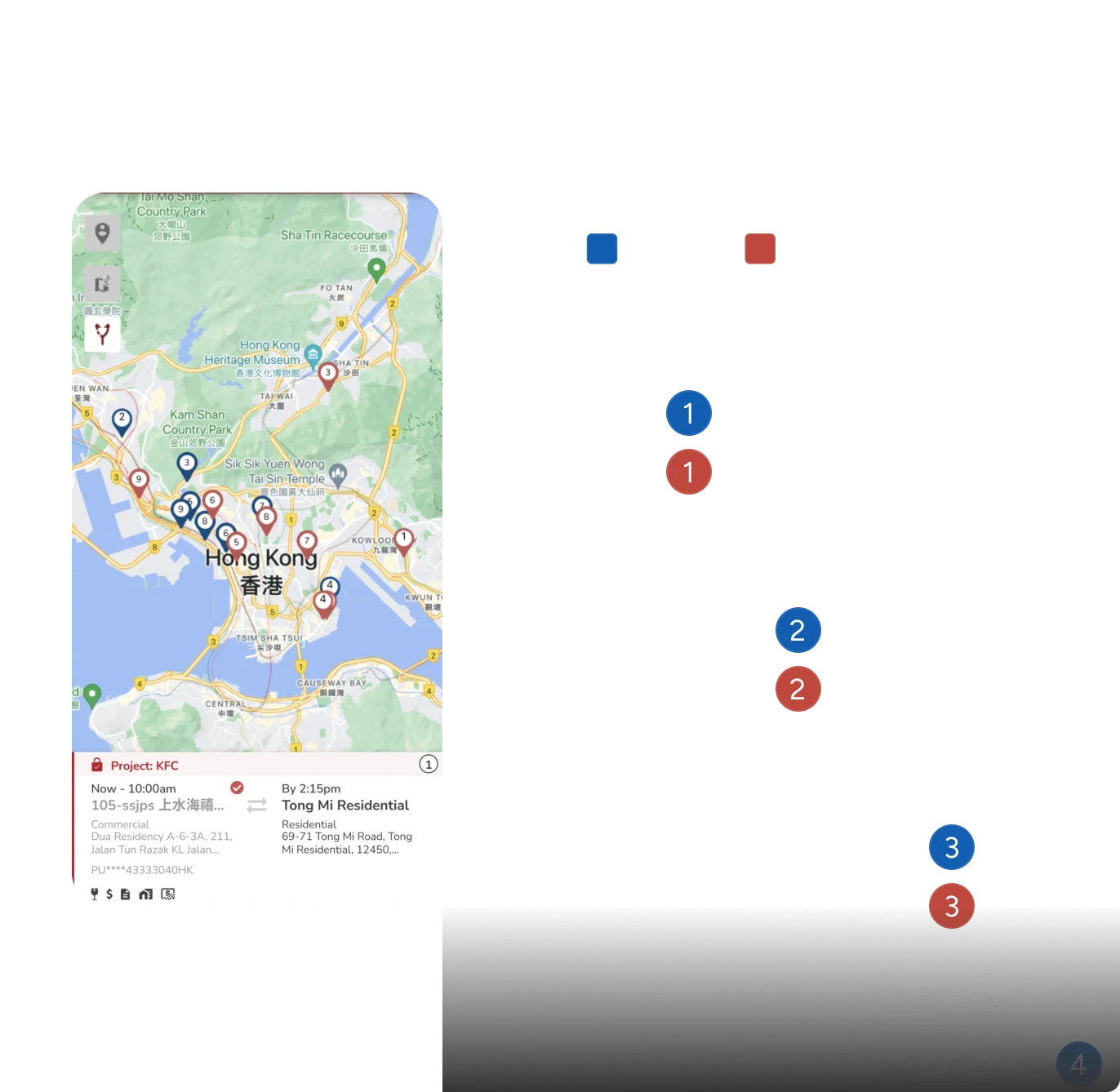
To use route planning, users must go back-and-forth between Map and Edit List. Users need to plan their route in “Edit List” where they reorder deliveries and then go to “Map” to see the updated route.
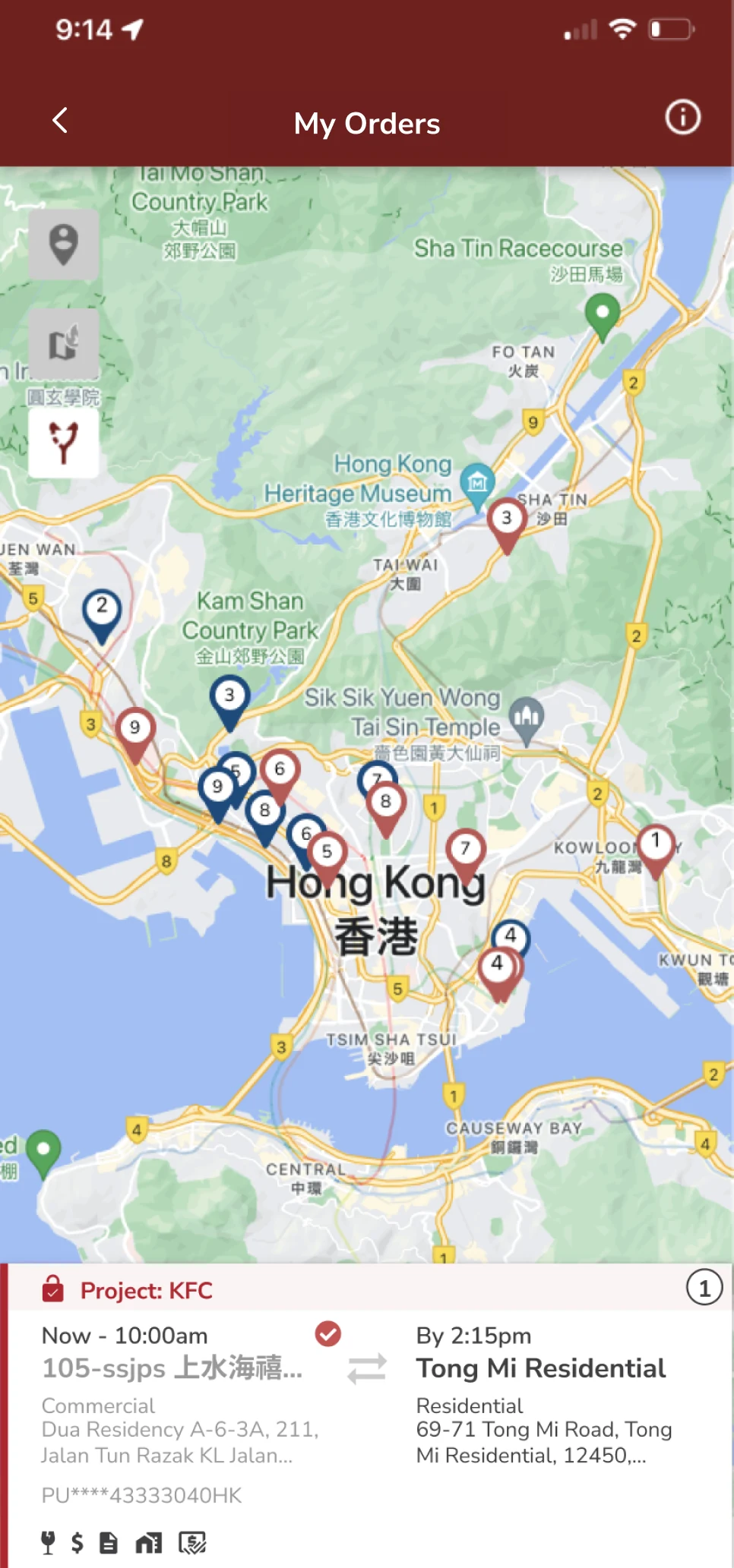
The “Map” page containing the routes wasn’t scalable or legible enough to display 5 orders, not to mention 50-100 orders per day.
User research
Interviewing Delivery Agents
I interviewed 10 delivery agents consisting of part-timers and full-timers. Here’s what stood out:
Finding 1: Agents already plan in advance — but it’s inefficient
Every evening, drivers spent 1–2 hours planning routes for the next day, often resorting to pen-and-paper or paid third-party apps.
Finding 2: Agents think in “regional zones”
Orders were grouped by regions, like neighborhoods or zip codes, but tools didn’t reflect this natural workflow.
Finding 3: Agents typically do bulk deliveries
Drivers regularly handled 15–20 deliveries per trip, requiring tools that could manage high volumes.
Reframing the problem
Wrong assumptions, wrong question
After conducting several interviews, I learned that the initial assumptions were off and I was asking the wrong question. Most of our agents, did, in fact, plan their routes every night, just not in-app. This reframed our challenge:
How might we improve the route planning experience so that more agents plan in-app?
With the new angle in mind, I conducted a competitive analysis of the route planning apps that our agents rely on. This helps to shed light on established patterns, user flows, and design directions moving forward.
Competitor analysis
Comparing 2 most popular apps for route planning
I analyzed two popular tools used by our agents, Circuit and Zeoplanner, to understand where they excelled—and where they fell short.


Criteria 1: Flexibility
Zeoplanner allows drivers to manually reorder stops and prioritize urgent deliveries—a critical feature Circuit lacks. This flexibility ensures agents can adapt routes to real-world scenarios with ease.
Criteria 2: Integrating essential details matters
Zeoplanner integrates parcel and customer information directly into the app, streamlining workflows and reducing the need to toggle between tools. Circuit’s lack of this feature creates unnecessary friction for drivers managing high-volume deliveries.
Criteria 3: Usability makes or breaks adoption
Circuit’s simpler interface works for straightforward tasks, but Zeoplanner’s drag-and-drop functionality makes route adjustments faster and more intuitive, especially for complex deliveries.
Criteria 4: Scalability sets the stage for growth
Zeoplanner supports advanced features like trip sharing and route tracking, which are invaluable for scaling operations. Circuit’s more basic setup is better suited to smaller teams or simpler delivery needs.
Outcome
Clarity, flexibility and speed
The interviews and the competitor review pointed to three priorities: make route planning easy to find, let agents work across warehouses, and make the route quick to read.
Route planning used to sit behind a vague label. It now has its own Delivery route button on the warehouse orders screen, right next to the jobs an agent has accepted.


 Accepted Jobs (0)

 Delivery route


 Warehouse Orders (3)


 Scan Orders


 My Orders
 Wallet
 Help
 Profile



 Delivery route
One route per warehouse
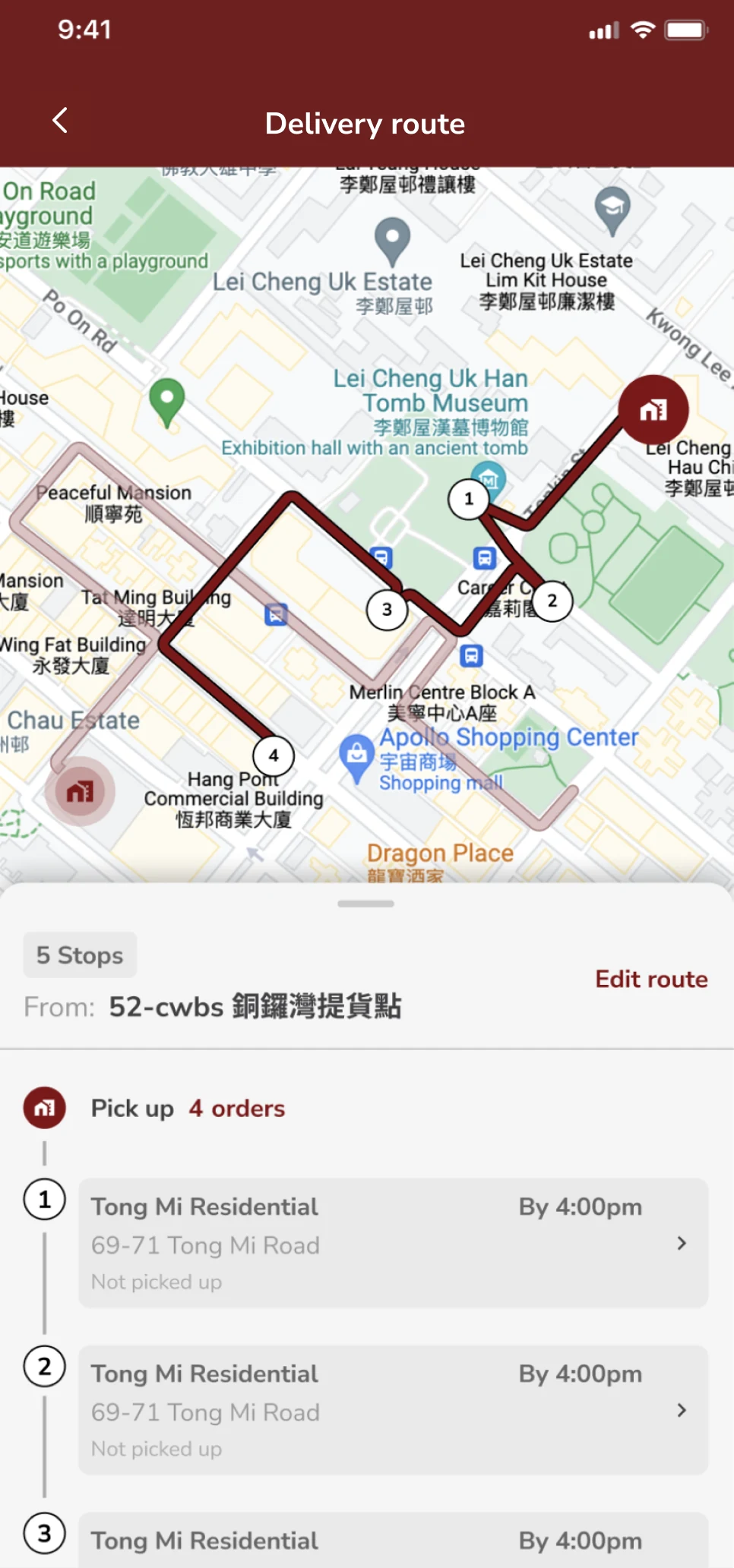
Many agents collect from more than one warehouse in a day. Each warehouse now gets its own route, and agents can switch between them as the day changes.
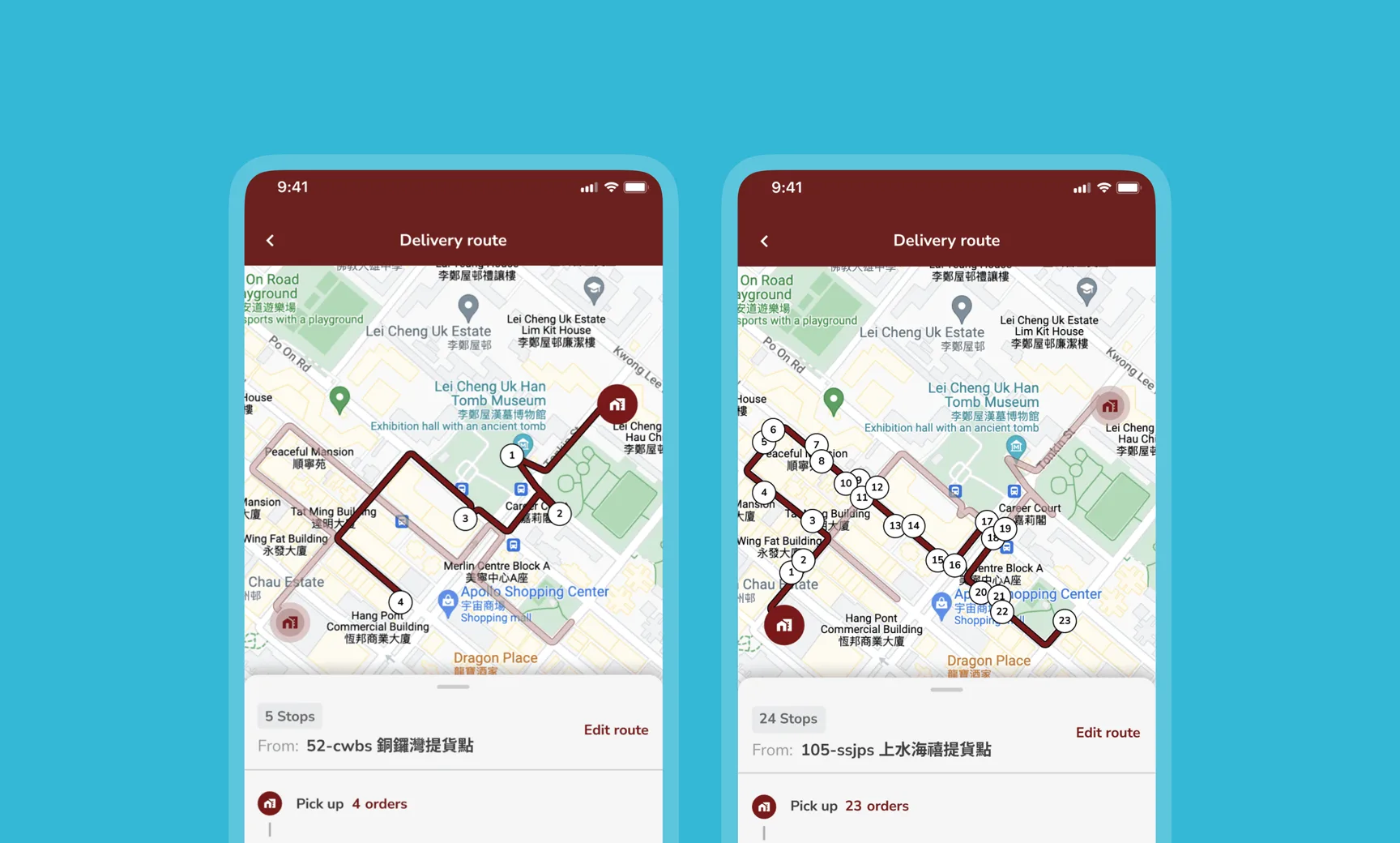
A map that shows the route and little else
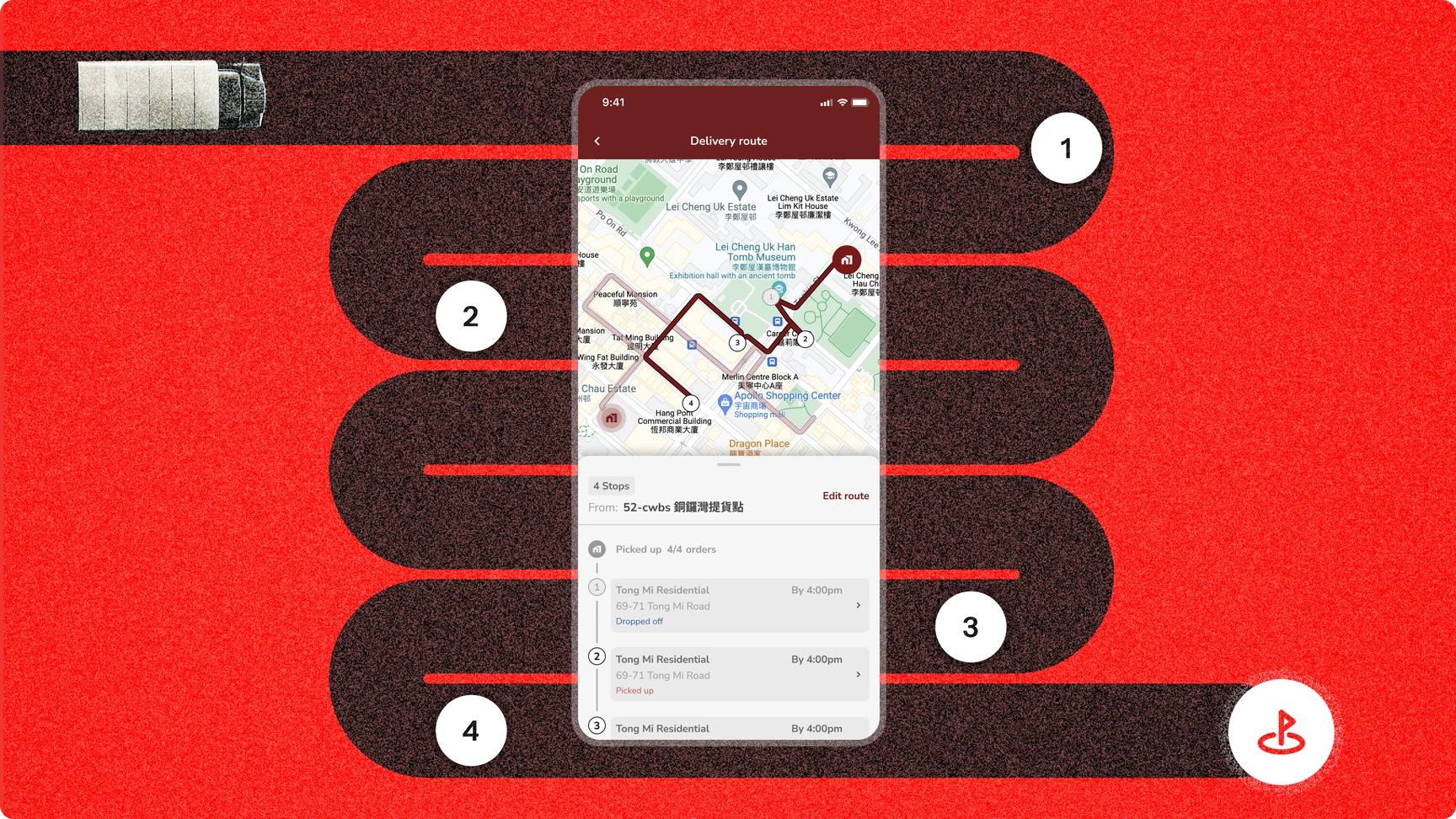
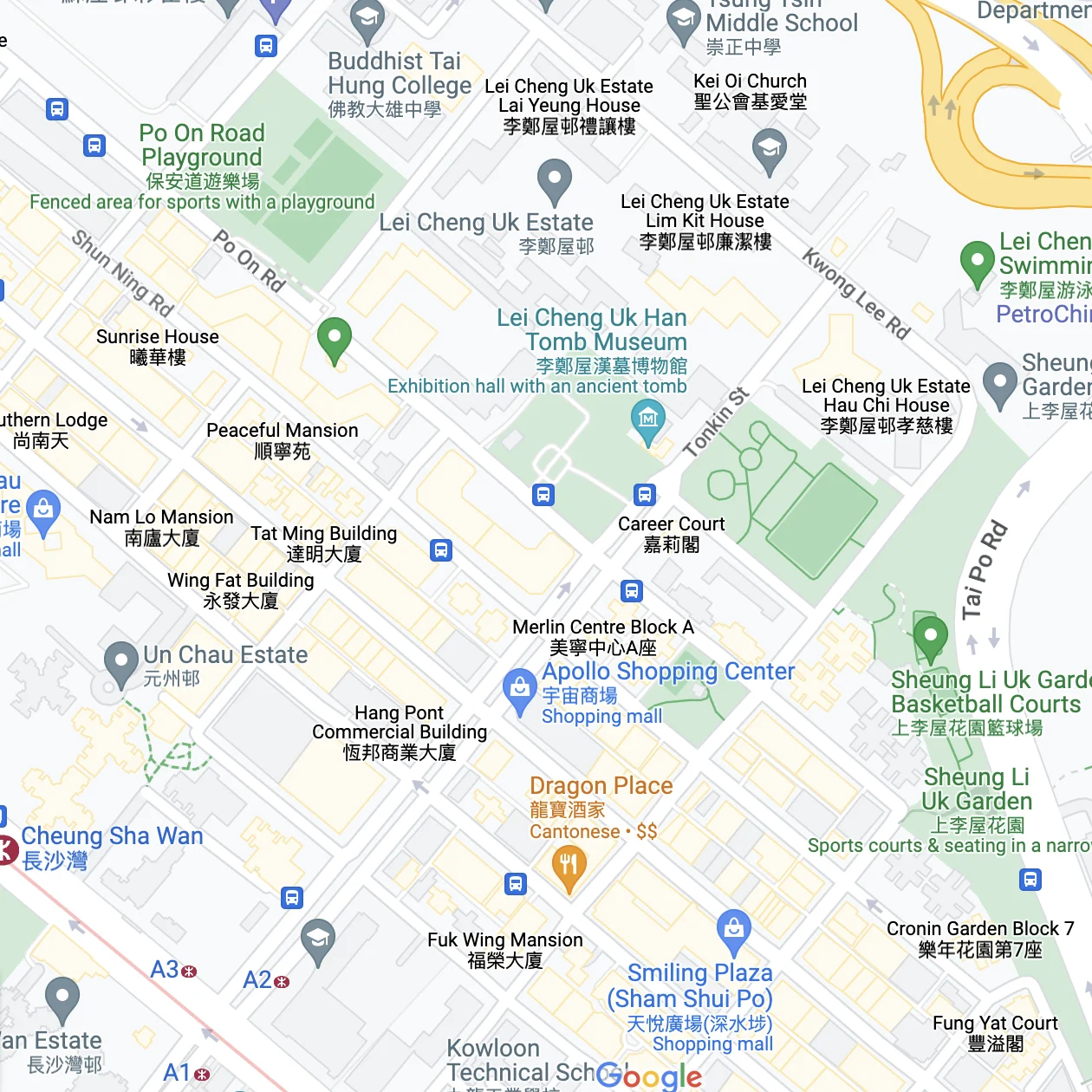
The old map put every pick-up and drop-off pin on one city-wide view. The new one draws the route in order, numbers each stop, and lists the stops with their delivery times underneath.
Results
A solid foundation to build on
Planning tomorrow’s route
Before and after
The same 15 stops, planned the old way and in the new Delivery route screen.
| Route | Stops | Planning |
|---|---|---|
| Before | 0/15 | 0 min |
| After | 0/15 | 0 min |
Result 1: Faster planning
Agents used to spend 1–2 hours each evening planning the next day. Planning in the app cut that time by 80%.
Result 2: More accurate ETAs
With stops in a set order, the app could estimate when an agent would reach each next stop.
Result 3: Less stressed agents
Agents told us they felt less stressed and more in control of their day.
Learnings
What I’d take into the next project
Learning 1: Research early, save time
Talking to agents before designing anything showed that my main assumption was wrong. Finding that out early saved us two sprints of building for a problem agents didn’t have.
Learning 2: A framework can help even when it doesn’t fit
The Fogg Behaviour Model didn’t apply directly in the end, because agents already had the planning habit. It still gave me a clear way to grade the old flow and decide what to simplify.